
You Don't Own What You Buy from Amazon
That Kindle book you paid for? Amazon can take it back anytime.
February 10, 2026
Track films and TV shows without feeding Amazon your viewing habits
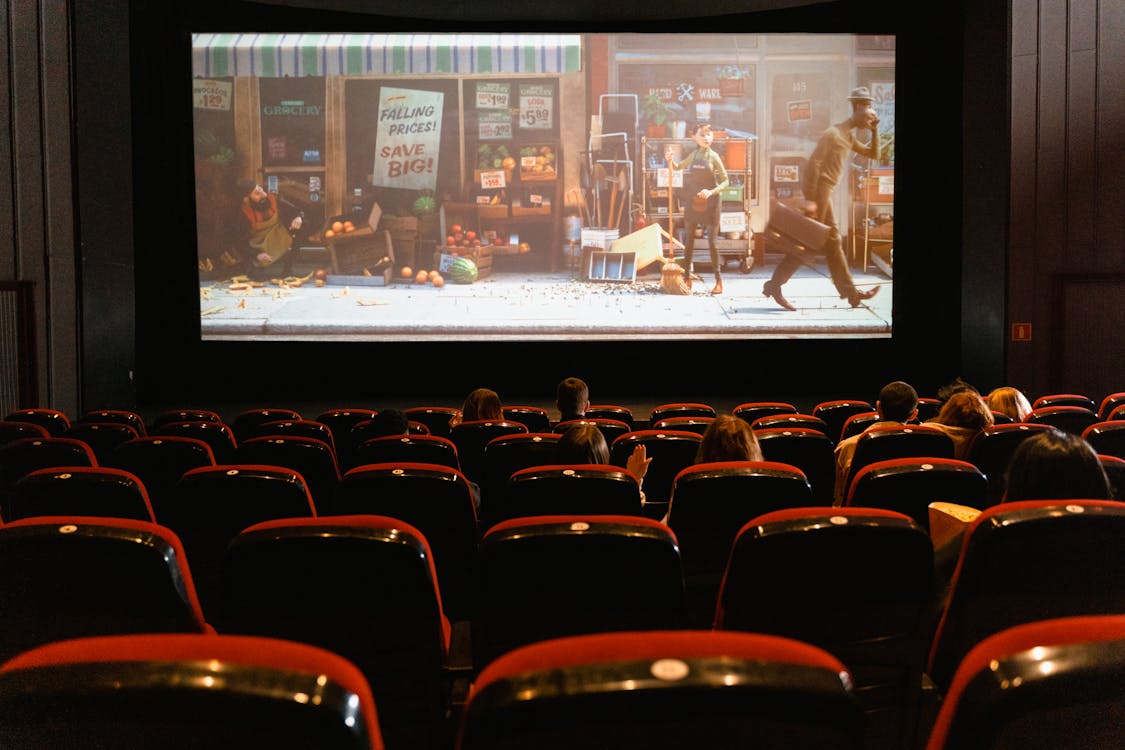
IMDb is owned by Amazon and shares user data (ratings, watchlists, browsing activity) with its parent company to power Amazon services like Prime Video recommendations. TMDb (The Movie Database) is a community-built, open-source alternative that doesn’t share data with third-party services. TMDb is ad-free and provides a free API used by hundreds of apps.
Create a TMDb account at themoviedb.org. Free, no payment details needed.
Download the TMDb app (optional). Available on iOS and Android. The website works great on mobile browsers too.
Set up your profile. Click your avatar (top right) → Settings. Add a username, profile picture, and set your privacy preferences.
Start rating films and TV shows. Search for something you’ve watched recently, click it, and rate it (1-10 stars). TMDb uses your ratings to recommend similar titles.
Build your watchlist. When you find something you want to watch, click the bookmark icon to add it to your watchlist. You can create multiple lists too (favourites, to-watch, etc.).
Stop using IMDb. You don’t need to delete your account (though you can). Just stop logging in and rating things there.
That Kindle book you paid for? Amazon can take it back anytime.
February 10, 2026

Free audiobooks and ebooks through your local library
Easy 15 minutes Free

Why we built this site and what we mean by the name
February 8, 2026